Put a social battery on your pfp
A progress ring around your avatar with a label — social battery 12%, loading… 69%, 100% charged, low battery or buffering. Write your own text. Free, no app. Your photo never leaves your phone.
or drag & drop / paste
Tip: if saving doesn’t work in this app, use “Open in browser” from the ⋯ menu.
Drag the photo in the circle to move it · scroll to zoom.
That word can’t go on a ring here — try something else.
Drag the sticker on your photo to place it.
🔒 Your photo never leaves your phone. No uploads, no sign-up, no watermark on your pfp — everything happens right here in your browser.
Press and hold the picture ↓
then tap “Save Image”
More styles
All styles →Battery pfp examples
Made with this maker — pick the same look above and try it on your own photo.
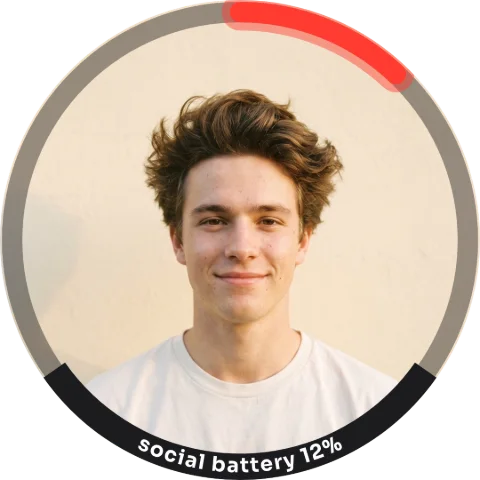
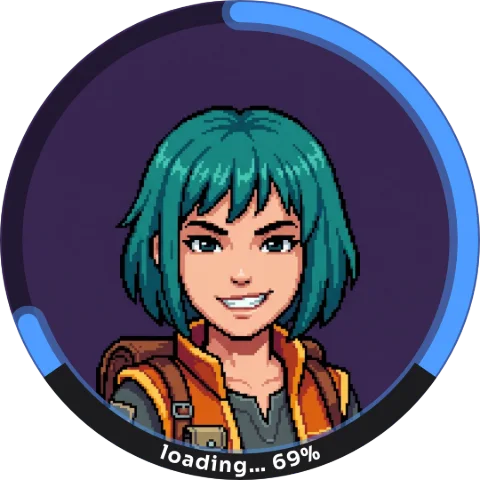
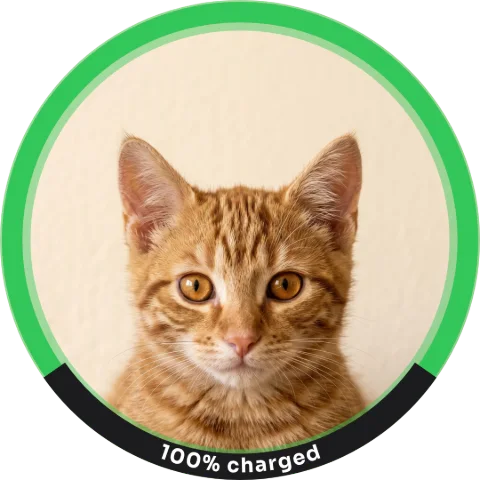
FAQ
How do you make a social battery pfp?
Upload your photo above and pick a status — Social battery, Loading, Fully charged, Low battery, or a textless Buffering / Spinner wheel. Edit the label to say whatever you want; the ring and the text are drawn in the browser.
Does the battery actually drain?
In the GIF, yes — Social battery runs down and dies, Loading fills up, Fully charged glows, Low battery blinks, and the spinners spin. The PNG keeps the first frame.
What does «social battery» mean?
How much energy you have left for people today. A pfp that says «social battery 12%» is the polite way to say «please do not perceive me» — the meme has been a staple of introvert accounts for years.
Can I change the percentage?
Pick the status closest to your mood and edit the label text — the ring fill follows the chosen status.
Do I need CapCut or any app?
No. Everything happens right here in your browser. Upload, adjust, save — done.
Is my photo uploaded anywhere?
Never. Your photo never leaves your phone — there is no server, everything runs on your device.