Put a cursed energy aura on your pfp
Infinity blue, black flash with red lightning, malevolent red, shadow or hollow purple — hand-drawn anime energy that flickers in the GIF. Free, no app. Your photo never leaves your phone.
or drag & drop / paste
Tip: if saving doesn’t work in this app, use “Open in browser” from the ⋯ menu.
Drag the photo in the circle to move it · scroll to zoom.
That word can’t go on a ring here — try something else.
Drag the sticker on your photo to place it.
🔒 Your photo never leaves your phone. No uploads, no sign-up, no watermark on your pfp — everything happens right here in your browser.
Press and hold the picture ↓
then tap “Save Image”
More styles
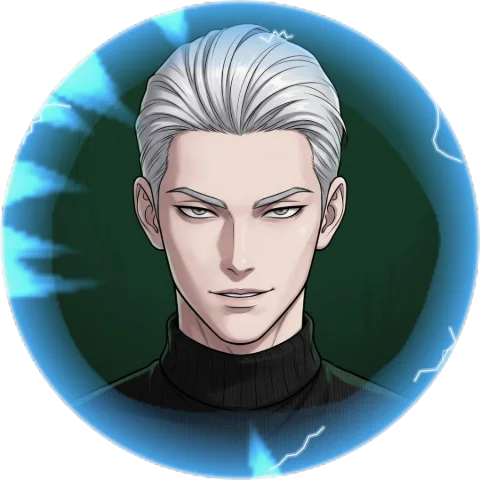
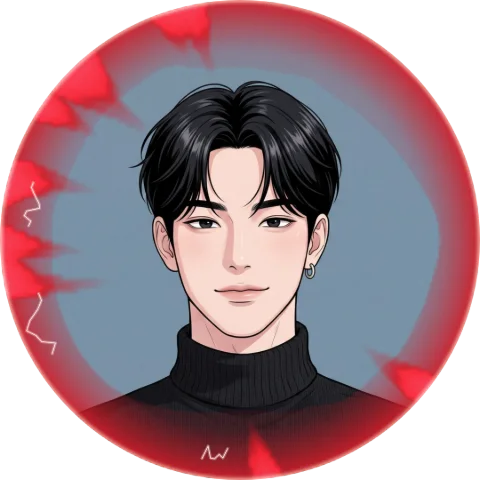
All styles →Cursed Energy pfp examples
Made with this maker — pick the same look above and try it on your own photo.
FAQ
How do you make a cursed energy pfp?
Upload your photo above and pick a technique: Infinity Blue, Black Flash, Malevolent Red, Shadow or Hollow Purple. The aura is drawn around your picture in the browser — save it as a PNG, or as an animated GIF to keep the flicker.
Which one is the Gojo aura and which is Sukuna?
The schemes are named by look, not by character, but fans will recognise them: a white-cored infinity blue, a black ring with red lightning (the black flash), a deep malevolent red, a shadow aura, and two orbs — blue and red — that collide into hollow purple.
Why does it look hand-drawn and flicker?
Because that is how 2D anime effects are animated: the energy is redrawn a few times per second with a rough edge, not smoothly tweened. The GIF keeps that cadence so the aura reads like a real cursed technique, not a glow filter.
Can I save it as an animated pfp?
Yes — tap «Save as GIF». Discord accepts animated avatars with Nitro; elsewhere the still PNG keeps the full aura.
Do I need CapCut or any app?
No. Everything happens right here in your browser. Upload, adjust, save — done.
Is my photo uploaded anywhere?
Never. Your photo never leaves your phone — there is no server, everything runs on your device.