Gift-wrap your pfp
Wrapping paper around the edge, two ribbons across your photo and a bow where they cross — drag the bow anywhere. Six papers. Free, no app. Your photo never leaves your phone.
or drag & drop / paste
Tip: if saving doesn’t work in this app, use “Open in browser” from the ⋯ menu.
Drag the photo in the circle to move it · scroll to zoom.
That word can’t go on a ring here — try something else.
Drag the sticker on your photo to place it.
🔒 Your photo never leaves your phone. No uploads, no sign-up, no watermark on your pfp — everything happens right here in your browser.
Press and hold the picture ↓
then tap “Save Image”
More styles
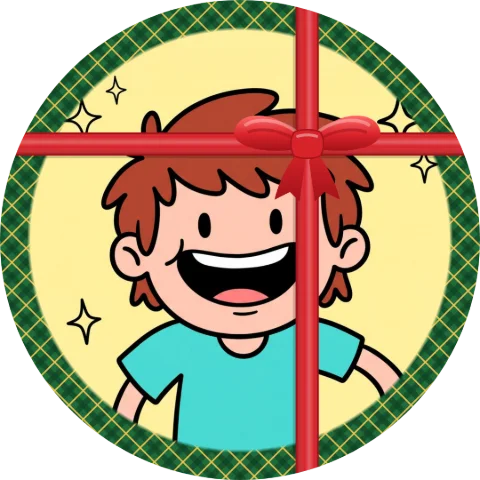
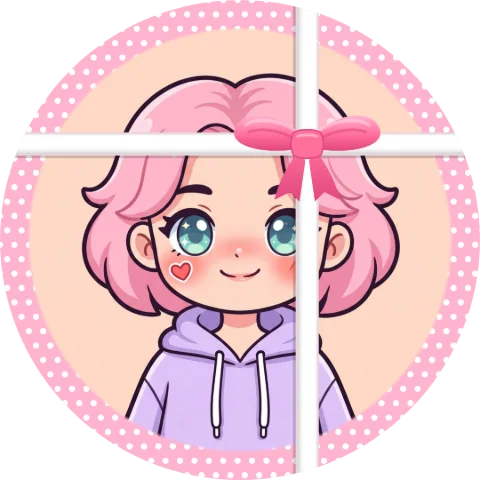
All styles →Gift Wrap pfp examples
Made with this maker — pick the same look above and try it on your own photo.


FAQ
How do you make a gift-wrapped pfp?
Upload your photo above, pick a paper — Red & Gold, Candy Stripe, Green Plaid, Pink, Winter Blue or Black & Gold — then drag the bow to where you want the ribbons to cross. The size slider sets the ribbon width, the tilt slider turns the whole cross.
Can I move the ribbons off my face?
Yes — the ribbons follow the bow, so drag the bow toward a corner and the cross moves with it.
Is this only for Christmas?
Red, green and gold read as Christmas; Pink and Winter Blue work for birthdays and «you are the gift» posts all year.
Do I need CapCut or any app?
No. Everything happens right here in your browser. Upload, adjust, save — done.
Is my photo uploaded anywhere?
Never. Your photo never leaves your phone — there is no server, everything runs on your device.