Put a glitter ring on your pfp
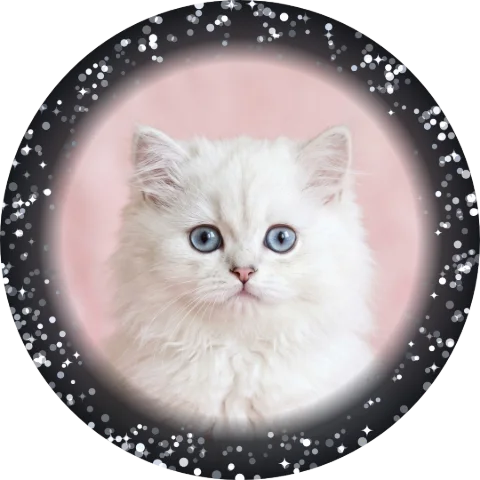
Hundreds of tiny sparkles around the edge, each twinkling on its own — gold, silver, pink, rainbow, black or sheer. Save a still or a GIF. Free, no app. Your photo never leaves your phone.
or drag & drop / paste
Tip: if saving doesn’t work in this app, use “Open in browser” from the ⋯ menu.
Drag the photo in the circle to move it · scroll to zoom.
That word can’t go on a ring here — try something else.
Drag the sticker on your photo to place it.
🔒 Your photo never leaves your phone. No uploads, no sign-up, no watermark on your pfp — everything happens right here in your browser.
Press and hold the picture ↓
then tap “Save Image”
More styles
All styles →Glitter pfp examples
Made with this maker — pick the same look above and try it on your own photo.



FAQ
How do you make a glitter pfp?
Upload your photo above and pick a glitter — Gold, Silver, Pink, Rainbow, Black or Sheer. The sparkles are drawn around your picture in the browser; tap «Save as GIF» to keep them twinkling.
What is the difference from the sparkle style?
The sparkle style places a few big y2k shines; the glitter ring is a dense edge of hundreds of tiny flecks that twinkle — closer to loose glitter or a rhinestone-dust border.
Will it show on a light photo?
Yes — every glitter except Sheer has a soft dark underlay at the edge so the flecks read on any photo. Sheer is the no-underlay version for pastel and white pictures.
Do I need CapCut or any app?
No. Everything happens right here in your browser. Upload, adjust, save — done.
Is my photo uploaded anywhere?
Never. Your photo never leaves your phone — there is no server, everything runs on your device.