How to make the Jesus Saves pfp border
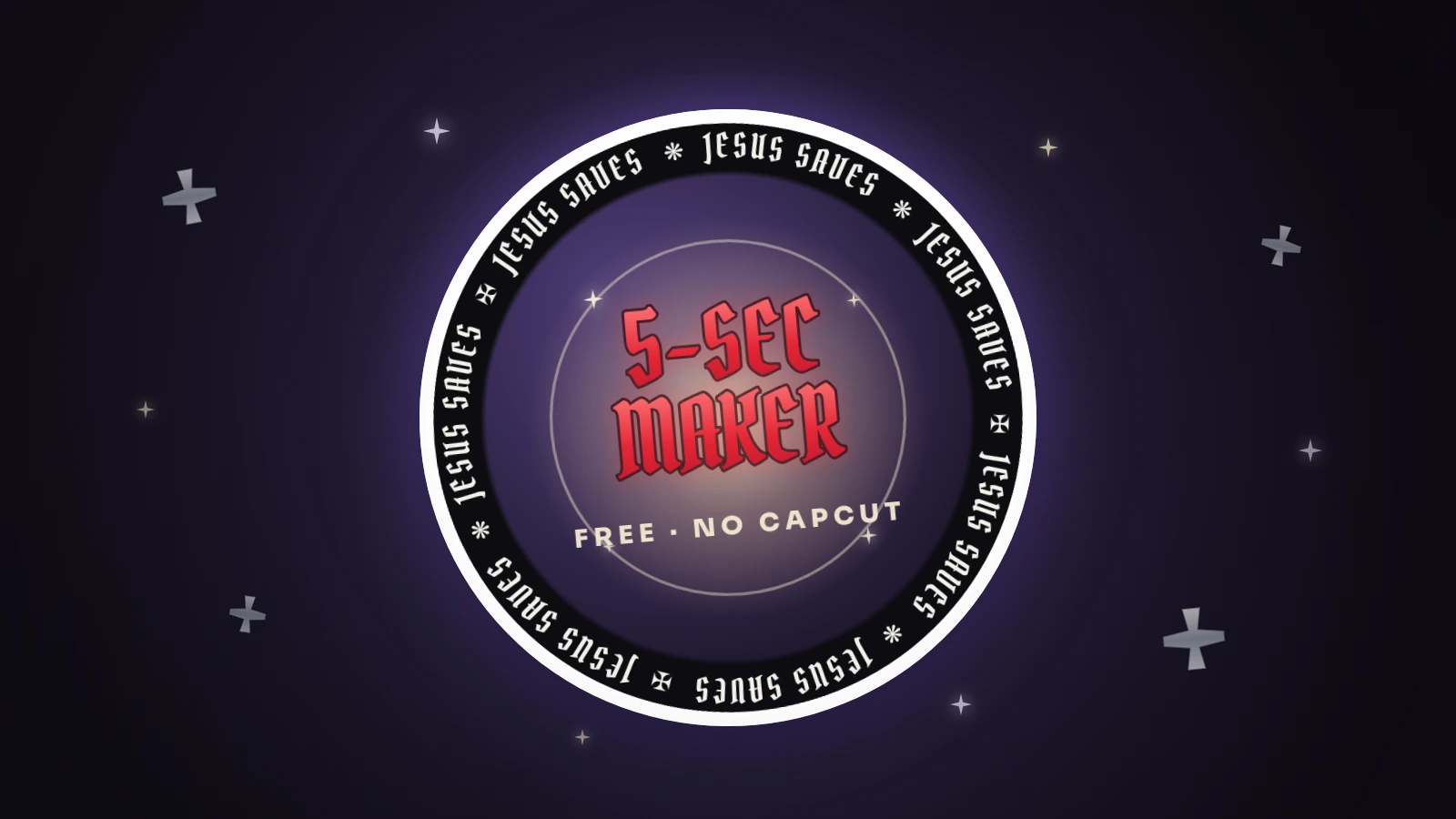
The Jesus Saves pfp border is a gothic “JESUS SAVES” ring that wraps around your profile picture — blackletter lettering, little cross ornaments, usually on a black band. It took off on TikTok in July 2026 as a kind of answer to the pastel rainbow pfp, and you can make your own right here: upload a photo, pick a scheme, save. About five seconds, free, no CapCut.
What the Jesus Saves pfp means
Most people meet this one the way I did — the style catches you before you even read the words. A black, Chrome Hearts–looking ring, sharp gothic letters, a couple of crosses. Then you actually read what it says, “Jesus Saves,” and it clicks that all these accounts are wearing their faith right on their profile picture.
So is it about faith, or just the aesthetic? Honestly, both — and I don’t think those two pull against each other. Plenty of the people wearing it mean it sincerely; plenty of others are here for the look. We live in the 21st century: you can believe something and still want it to look good, and this trend is people doing exactly that — saying it out loud, in a style that feels current. However you read it, the border itself is the same gothic “Jesus Saves” ring.
You’ll see it searched as the jesus saves pfp, the jesus saves border, a christian pfp, or just a jesus profile picture — same look, different names for it.
Where the border came from
It started on TikTok, and the framing was pretty blunt: “girls are putting rainbow backgrounds — let’s put Jesus Saves backgrounds.” It’s a counter-trend to the pastel rainbow pfp, with a wider, more mixed crowd and a Christian, gothic-streetwear look instead of soft pastels.
And like the rainbow ring before it, it’s grown its own little follow-loop — people with the Jesus Saves border finding each other and following back. The part I like best: scroll the comments under any of the tutorials and you’ll find people dropping their photo and asking someone to add the border for them — and total strangers actually doing it. That’s the whole reason we built this. Most of those tutorials route you through a CapCut template; the maker below skips all of it so you can do it yourself in about five seconds.
Make your Jesus Saves pfp here
Upload, pick a scheme, save — about 5 seconds. Free, no app, no sign-up, and your photo never leaves your phone. Prefer a full page? Use the Jesus Saves border maker.
or drag & drop / paste
Tip: if saving doesn’t work in this app, use “Open in browser” from the ⋯ menu.
Drag the photo in the circle to move it · scroll to zoom.
That word can’t go on a ring here — try something else.
Drag the sticker on your photo to place it.
🔒 Your photo never leaves your phone. No uploads, no sign-up, no watermark on your pfp — everything happens right here in your browser.
Press and hold the picture ↓
then tap “Save Image”
How to make the Jesus Saves border without CapCut
1. Upload your photo in the maker above — nothing is sent anywhere; the border is drawn on your device.
2. Pick a scheme. Classic black, clean white, a pink “girly” version, blue with an outline, or the pastel-rainbow one that nods back to the other trend. The letters ride the circle, so the ones at the bottom sit upside down — that’s how the trend looks, not a mistake.
3. Save. You get a finished round avatar — a transparent PNG, already cropped to the circle — ready to set as your profile picture on TikTok, Instagram, Discord or anywhere else.
Play with the colors
The look isn’t locked to black. The scheme chips give you classic black, white, pink, blue and the pastel-rainbow version, plus a “no band” option that drops the letters straight over the edge of your photo. Try a couple — the same photo reads completely differently under a white ring than a black one — and keep the one that feels like you. Want to put your own words around the ring instead? There’s a custom text ring for that.
Prefer the full-page maker over the embedded one? It’s the Jesus Saves border maker.
FAQ
What does the Jesus Saves pfp mean?
It’s a profile-picture border with “Jesus Saves” written around it in gothic blackletter. For some people it’s a statement of faith, for others it’s the Chrome Hearts–style aesthetic — and for a lot of people it’s both. It grew as a counter-trend to the pastel rainbow pfp.
How do I add the Jesus border to my profile picture?
Use the maker on this page — upload your photo, pick a color scheme, save. No CapCut, no app and no sign-up, and your photo never leaves your phone.
Do I need CapCut to make the Jesus Saves border?
No. Most tutorials use a CapCut template, but you don’t need it — the border is drawn right here in your browser and saves as a ready-to-use round avatar.
Can I change the color of the Jesus Saves ring?
Yes — classic black, white, pink, blue with an outline, a pastel-rainbow version, or text only with no band. Switch schemes with the chips and save the one you like.
Is this a Christian pfp maker?
You can use it as one — it puts a christian “Jesus Saves” border on your profile picture. It’s a simple tool, not a religious site: pick a style, make it your own, save.
Is my photo uploaded anywhere?
Never. There’s no server — everything runs on your device, so your photo never leaves your phone.